

You want a straight answer on website cost in Australia. Not fluff. The reality: you’re paying for planning, brand design, build quality, integrations, content, and ongoing care. Prices vary by scope and who builds it. This guide breaks costs into clear tiers, what each tier includes, where hidden costs live, and how to budget smart so you don’t pay twice for the same site.’
What drives website pricing in Australia
The short version: complexity drives cost. A small brochure site with five pages and a booking form will sit far below a multi-product ecommerce store with payment, shipping logic, and custom integrations. Your mix of these factors sets the number:
- Scope and page count: More page templates, unique layouts, and content types increase design and dev time.
- Design approach: From library-based layouts to custom design systems with strong brand work.
- CMS and stack: WordPress with modern builders like Bricks has strong flexibility and speed when set up properly; custom stacks and headless builds push cost up.
- Functionality: Bookings, memberships, gated content, price calculators, product filters, multi-currency, wholesale pricing.
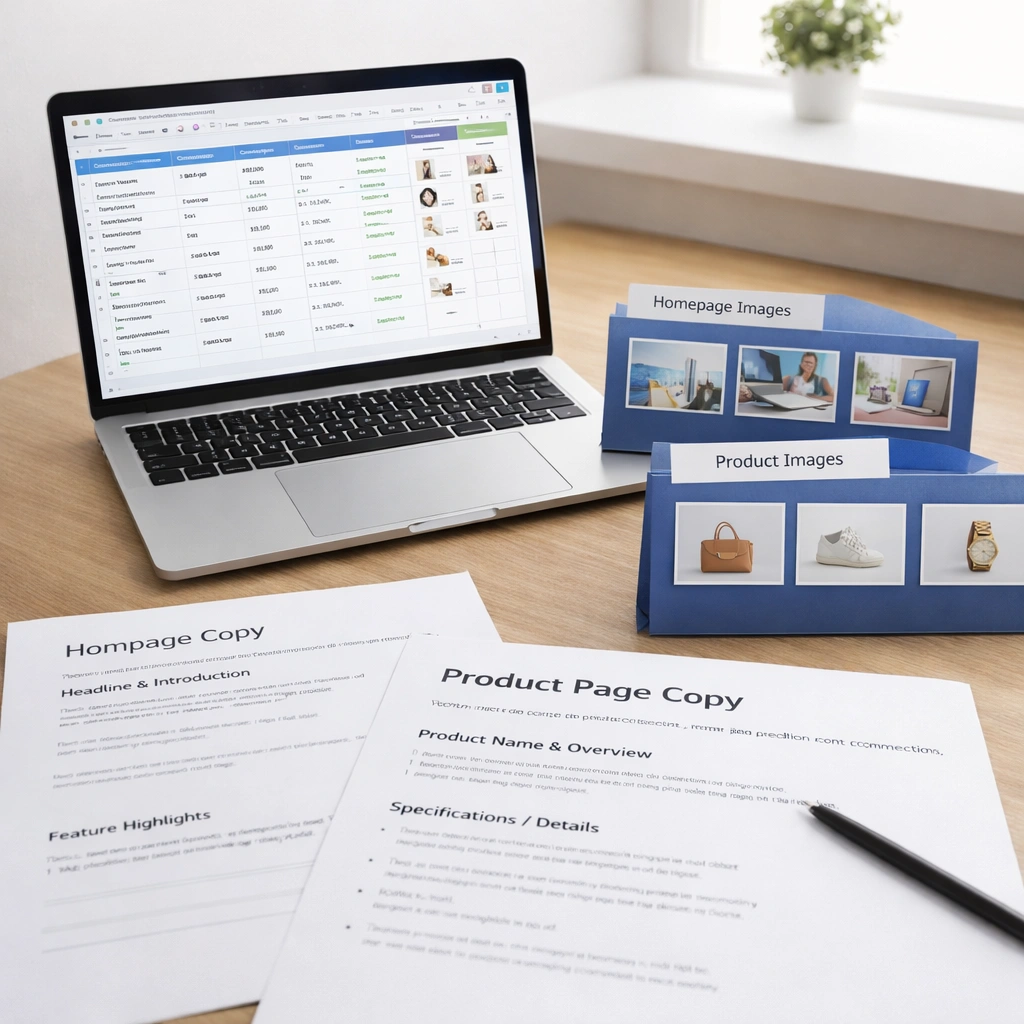
- Content production: Copywriting, product descriptions, imagery, and video are real line items; do not leave them out of the budget.
- SEO and analytics: Technical SEO, redirects, schema, tracking, and performance tuning are not “nice to have” if you care about organic traffic.
- Ecommerce complexity: SKUs, variations, bundles, subscriptions, payment gateways, sales tax, shipping rules, and fulfilment.
- Compliance: Accessibility, privacy, cookie handling, and Australian Consumer Law pages.
- Hosting and care: Secure hosting, backups, updates, uptime monitoring, and support.
Australian context matters. Payment gateways, GST rules, shipping zones, Australia Post integrations, and local search setup can add configuration time that offshore templates simply skip.
Typical price ranges by website type in 2026
Use this as directional guidance; your actual quote depends on scope and inclusions.
- One-page or micro brochure site: Entry-level for quick validation or events. Limited sections, light copy, fast build. Suitable when you need something live quickly and are fine with a constrained design system.
- Small business brochure site: Common 5 to 10 pages. Home, Services, About, Contact, FAQs, and a blog. Often includes booking or enquiry form, basic on-page SEO, and analytics.
- Advanced brochure with custom features: Custom templates, multiple service silos, resources library, job board, or quote builder. Prioritises performance, conversion, and structured content.
- Ecommerce store: Product catalogue, categories, filters, checkout, payment gateways, shipping rules, tax, and email notifications. More time goes to data structure, migration, and testing.
- Ecommerce with wholesale or complex logic: Tiered pricing, account approval, bulk ordering, advanced shipping, ERP or inventory sync. Expect planning and integration sprints.
- Multi-site or multi-language: Shared design system across locations or brands. Adds content governance and launch sequencing.
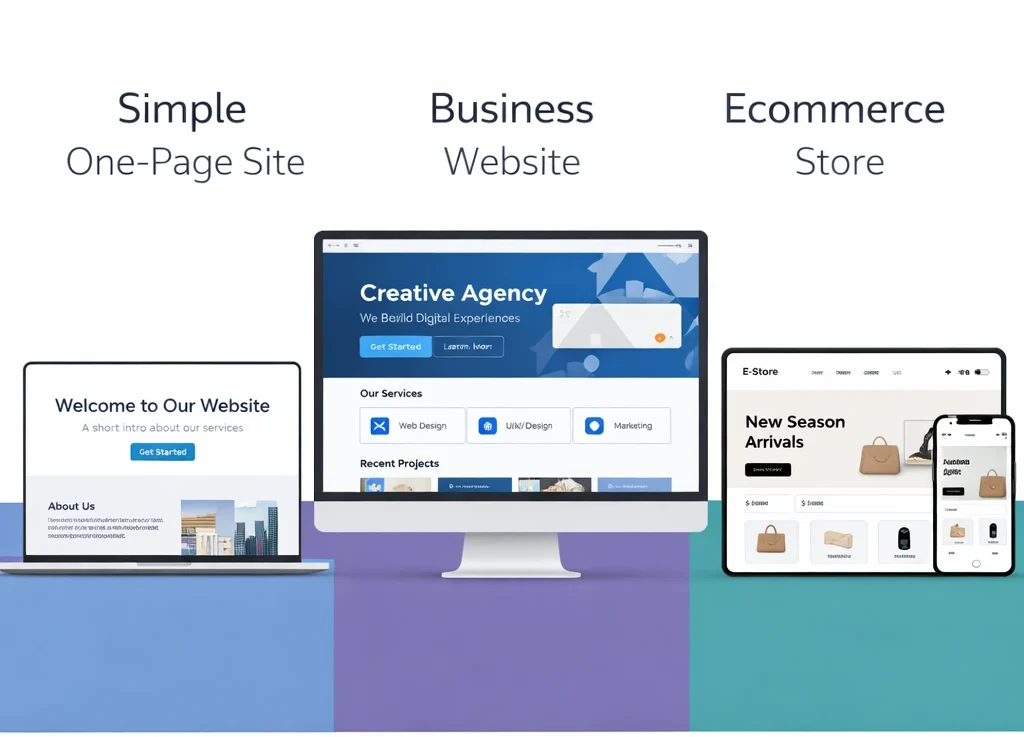
Where you sit in these bands is shaped by content readiness. If you have clean copy, product data, and imagery, you save time. If not, factor content creation and data cleaning into the budget.
One-off build costs vs ongoing costs
Plan for two buckets: the build and the care.
One-off build
- Discovery and planning: Goals, sitemap, wireframes, and technical approach.
- Design system: Components, typography, colour, and accessible patterns.
- Development: Templates, CMS, and functionality.
- Content loading: Copy, imagery, product data.
- SEO setup: Technical baselines, redirects, schema, and tracking.
- QA and launch: Cross-device testing, performance checks, training.
Ongoing
- Hosting and security: Reliable Australian or nearby region servers, SSL, backups.
- Updates and support: CMS, theme, plugin updates; patching; minor fixes.
- Content and SEO: New pages, blogs, products, CRO tests, and analytics reviews.
- Licences: Premium plugins or integrations, if used.
Budgeting tip: spread ongoing improvements monthly. That way, you’re not doing a big rebuild every two years. It’s cleaner for cash flow and safer for SEO.
What you actually get at each price point
Under the hood, inclusions matter more than raw page counts. Look for line-item clarity so you can compare apples with apples.
Expect these inclusions in a sound Australian small business build:
- Strategy: Clear goals, user journeys, and conversion mapping.
- Design: Re-usable components that keep future pages consistent and quick to roll out.
- Build quality: Semantic HTML, accessible patterns, strong Core Web Vitals mindset, image optimisation, and caching.
- CMS you can own: You should be able to add pages and edit content without calling a developer for every tweak.
- Technical SEO basics: Crawlable architecture, meta controls, robots rules, schema where relevant, and tidy redirects from any old site.
- Analytics: GA4, basic event tracking, and privacy controls.
- Training and handover: Looms or docs; your team should be confident post-launch.
For ecommerce, expect:
- Payment gateways common in Australia.
- GST setup, tax on shipping where relevant.
- Shipping rules for Australia Post, couriers, or flat rates.
- Transactional emails configured and branded.
- Product data structure and filters.
- Cart and checkout UX that removes friction.
What not to ignore:
- Accessibility: Logical headings, colour contrast, focus states, keyboard navigation.
- Content governance: Who owns updates, and how fast can they be made.
- Performance: Image handling, third-party scripts, and bloat control.
- Security: Least-privilege access, backups, and updates policy.
Hidden costs, traps to avoid, and how to buy smart
Avoid these cost traps:
- Vague inclusions: “SEO included” with no detail usually means meta titles only. Ask for a checklist.
- Ownership problems: If you do not control the domain, hosting, and CMS access, you’re renting, not owning.
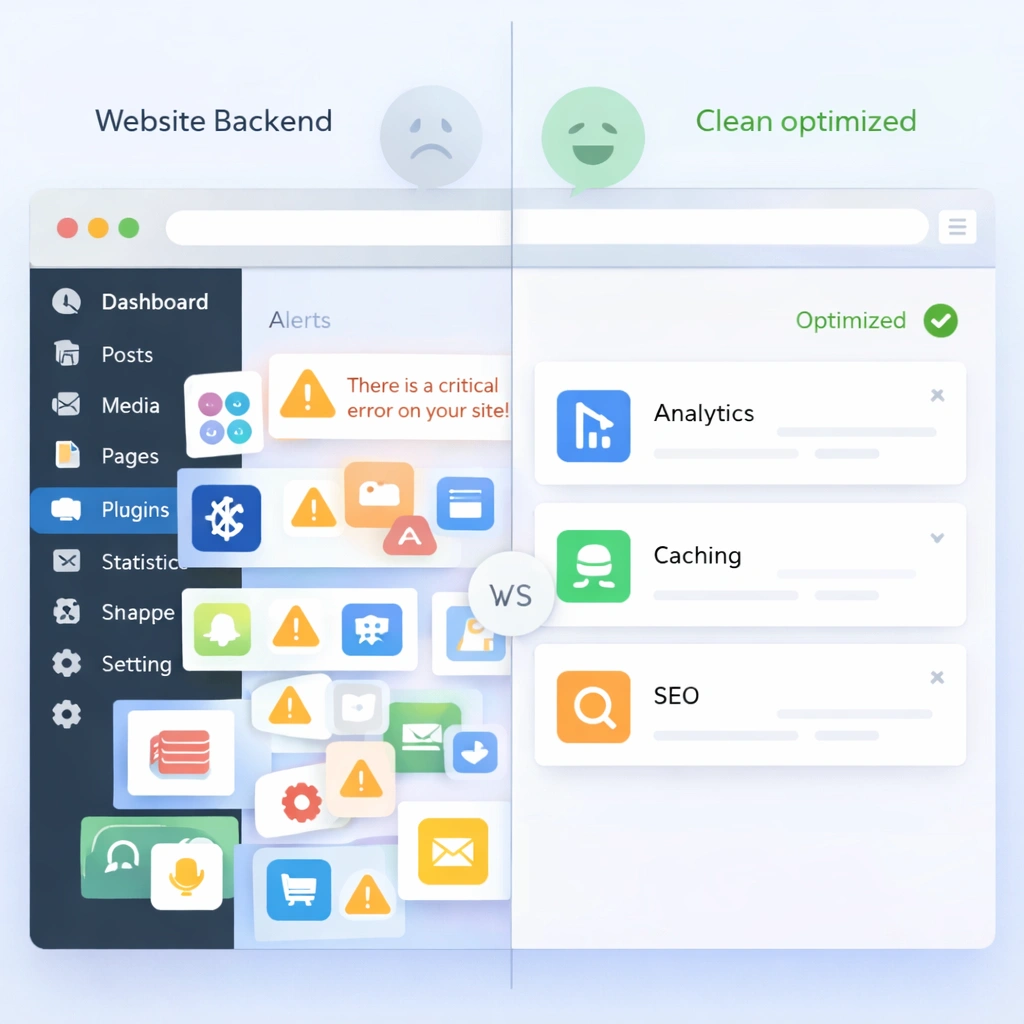
- Plugin soup: Too many plugins create update risk and slow sites. Ask what each plugin does and why it is needed.
- No staging site: Launching changes straight on production is asking for trouble.
- Ignoring redirects: Killing an old URL can nuke rankings. A redirect map is not optional if you have an existing site.
- Content last: Leaving copy to the end delays launch and creates rework. Start content early.

How to compare quotes well:
- Ask for a detailed scope table with inclusions and exclusions.
- Request a delivery plan: milestones, review points, and QA gates.
- Check the care plan: response times, update frequency, and what is billable.
- Look for local context in ecommerce: GST, Australia Post, and common payment gateways.
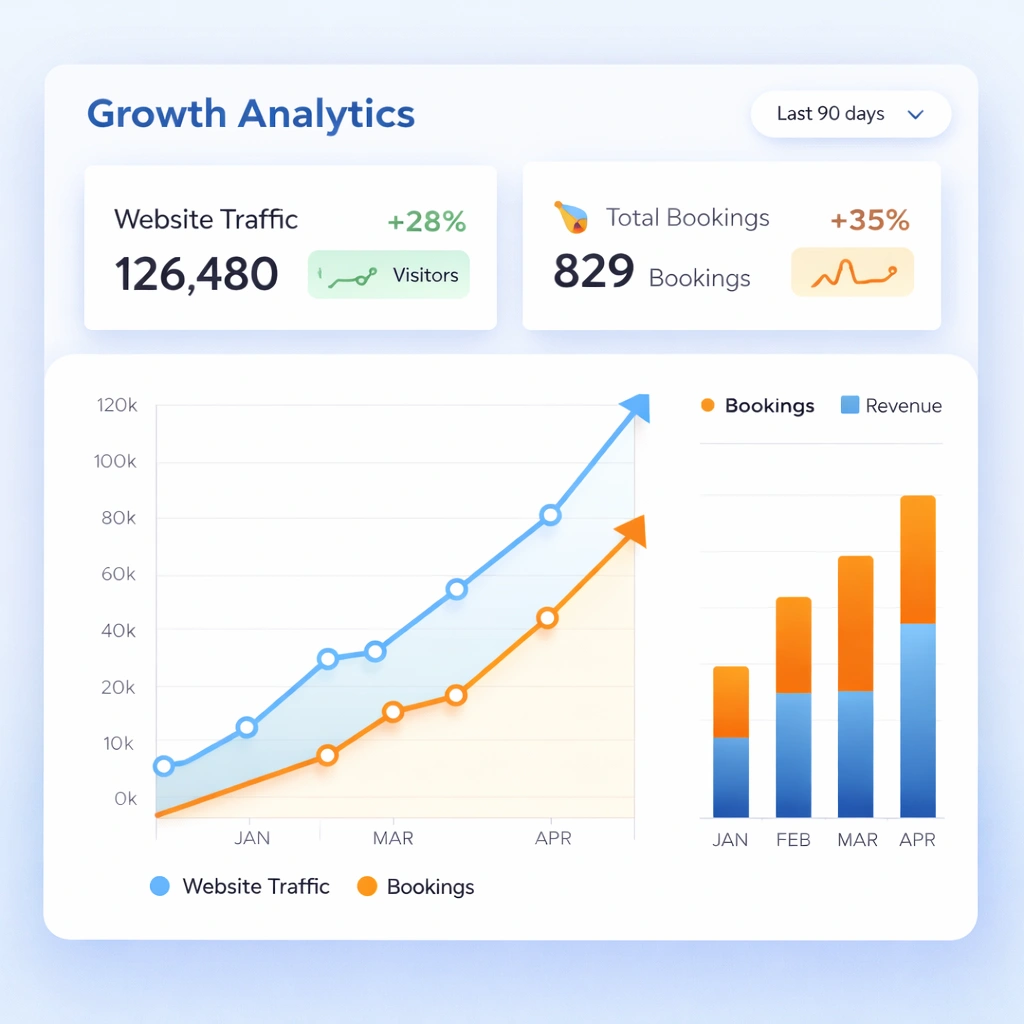
Proof that quality build and basics matter: sites that launch with clear booking flows and baseline SEO tend to see real-world gains. For example, Hair Hub Hillcrest went from no online bookings to a 300% increase in online bookings in 3 months after the website went live. Quick Tattz reported a 120% increase in organic traffic in 6 months. Choice Discounts saw a 60% increase in organic walk-in traffic in 6 months. These are client-reported outcomes in the portfolio list.
Timelines, staging your spend, and what impacts speed
Typical timelines vary by scope and content readiness.
What slows builds:
- Waiting on copy and images.
- Late feedback or scope creep mid-sprint.
- Complex integrations without clear API docs.
- Data migration surprises.
How to go faster without cutting corners:
- Lock scope early with a structured discovery.
- Approve design components before building pages.
- Prepare content in parallel using a content matrix.
- Launch a Phase 1 with core pages; add advanced features in Phase 2 after real-world feedback.
- Keep meetings short and decisions documented.
Staging the spend:
- Phase 0: Discovery and prototypes.
- Phase 1: Core site build with conversion essentials.
- Phase 2: Enhancements like calculators, advanced filters, and CRO tests.
- Phase 3: SEO content scale-up and automation.
Frequently Asked Questions
What does website cost Australia include?
A proper build covers planning, design system, development, SEO setup, analytics, QA, and training; ecommerce adds payments, tax, shipping, and product data. Ongoing costs cover hosting, updates, backups, and support. Ask for a clear inclusions list to compare quotes.
How much does website cost Australia cost?
It depends on scope. Simple brochure sites sit at the lower end; complex ecommerce or custom features cost more due to planning, data setup, and testing. Get a scoped proposal that separates one-off build and ongoing care so you can budget cleanly.
How do I choose a website cost Australia provider?
Compare by inclusions, ownership, and process. Check local ecommerce know-how, SEO setup, and post-launch care. Ask for a delivery plan, a clear plugin list, and who handles redirects, analytics, and training.
How long does website cost Australia take to show results?
Launch-day impact comes from clearer UX and conversion paths. Organic growth needs crawl and indexing cycles; ecommerce performance depends on traffic quality and product data. Most gains come from consistent post-launch improvements, not a single flip of a switch.
What is included in website cost Australia services?
Common inclusions are discovery, design components, CMS build, content loading, SEO foundations, analytics, and QA. Ecommerce services add gateways, tax, shipping rules, transactional emails, and catalogue configuration.
Is website cost Australia worth it for small businesses?
If you value owned assets, bookings, and walk-ins, yes. Portfolio results like Hair Hub Hillcrest’s online booking growth and improvements for Quick Tattz and Choice Discounts show what a solid build and SEO foundations can support.
How to get a tailored quote without guesswork
If you want a number you can stand behind, do this:
1) List your must-haves and nice-to-haves. Prioritise conversion features first.
2) Gather content: product data, copy drafts, brand assets, and any old URLs that rank.
3) Ask for a scoped proposal with inclusions, exclusions, milestones, and care options.
4) Clarify ownership of domain, hosting, CMS, and analytics from day one.
Then stack it against your revenue model. For service businesses, track bookings and calls. For ecommerce, track margin after shipping and fees. That tells you what the site can return and what level of build makes sense.
Ready to see real numbers and a clean scope for your business in Australia. View our web design packages and get a custom quote today.